
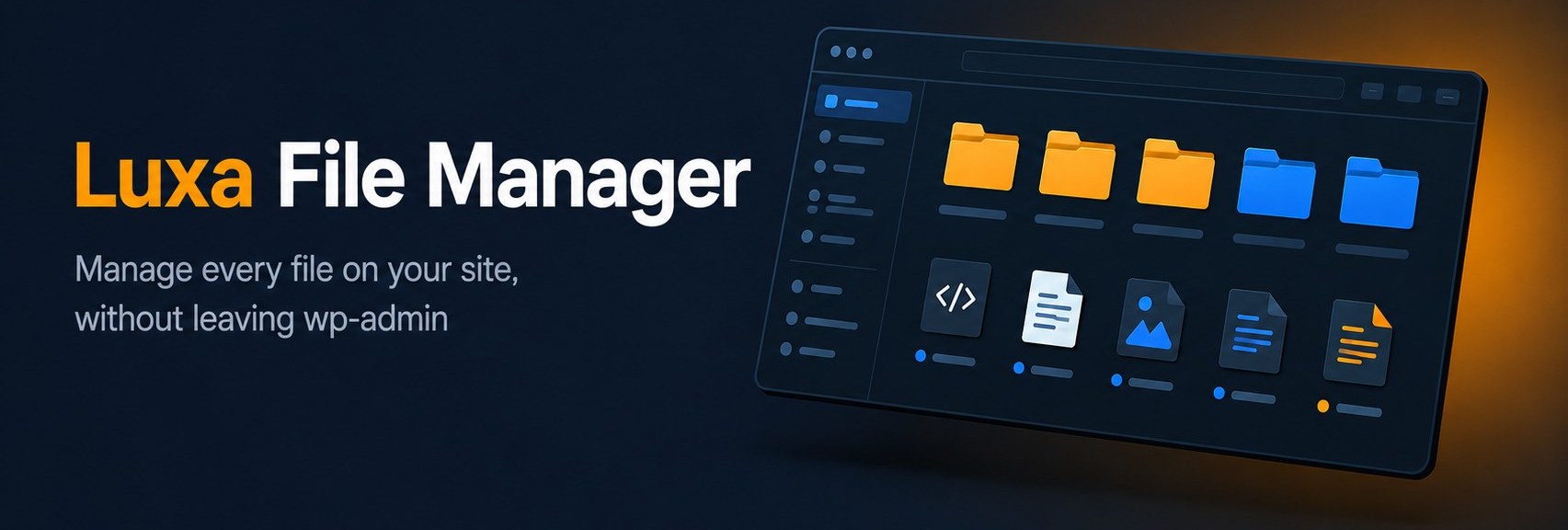
Luxa File Manager — Free File Manager Plugin for WordPress
Luxa File Manager is a free WordPress plugin that gives administrators a fast, clean file browser right inside wp-admin. Browse folders, edit code, upload files, and manage your site’s file structure without ever opening an FTP client or logging into your hosting panel.
It’s built with a dark-themed interface by default (with a Light option too), designed to feel like a proper developer tool rather than a bolted-on admin widget. The plugin is fully functional on its own — no license, no account, no nag screens blocking core functionality. A separate Luxa File Manager Pro add-on is available for teams that need bulk actions, search, and access control, but it’s entirely optional.
Access is restricted to users with the upload_files capability by default, every request is protected by WordPress nonces, and all file paths are resolved and validated against the WordPress root to block directory traversal — so it’s safe to keep installed rather than something you install, use once, and remove.
Features
- Full file browser — navigate from the WordPress root through any folder your server permits:
wp-content, themes, plugins, uploads, and beyond - Built-in code editor — open and edit PHP, JS, CSS, HTML, JSON, and other text files directly, with Find in file (search-as-you-type, no need to press Enter)
- List / Grid layout — switch between a detailed list view and a compact icon grid, whichever fits how you work
- Light / Dark theme — a split toggle remembers your preference per browser
- Upload with conflict handling — uploading a file that already exists asks whether to Replace or Skip it, instead of silently overwriting
- Create, rename, delete — standard file operations, including multi-select delete when the Pro add-on’s checkboxes are available
- Download individual files straight from the browser
- Disk usage indicator — see free vs. used space on the current volume at a glance
- Sortable columns — sort by name, size, or modified date
- Translation-ready — every string is translatable, with full
.pot/.posupport - Security-first design — nonce-verified requests, capability checks, and path validation against the WordPress root on every operation
Changelog
July 13, 2026 — Released v2.2.1. Fixed the Grid layout collapsing into a single column instead of wrapping properly across the available width. Find in file now searches as you type in the code editor, matching instantly without needing to press Enter.
July 12, 2026 — Released v2.2.0. Reworked the Light/Dark control into a split two-way switch. Fixed a row divider color that read too dark and heavy in Light theme. Added a List/Grid layout switcher for the file browser. Added Find in file (Ctrl+F) to the code editor.
July 9, 2026 — Released v2.1.5. Added a “Skip Trash and delete immediately” option to the delete confirmation dialog. Added the Light/Dark theme toggle for the File Manager screen.
July 7, 2026 — Released v2.1.4. Added extension points so add-ons can intercept deletes and customize the file listing (used by the Pro add-on’s Trash feature).
June 30, 2026 — Released v2.1.3. A Delete button now appears in the toolbar when multiple files or folders are selected.
June 29, 2026 — Released v2.1.2. Uploading a file that already exists now asks whether to Replace or Skip it, instead of silently overwriting.
June 27, 2026 — Released v2.1.1. Fixed an access-control bug where Editors and other roles with the upload_files capability could see the File Manager menu item but be denied access when opening it. Hardened input handling on all AJAX actions. Tested up to WordPress 7.0.
June 26, 2026 — Released v2.1.0. Rebranded to Luxa File Manager. Improved accessibility and translation readiness. General bug fixes and UI polish.
June 2, 2026 — Released v2.0.0. Added multi-select bulk actions and bookmarks (Pro add-on). Various bug fixes.
May 4, 2026 — Released v1.0.0. Initial release.